
-
Programs
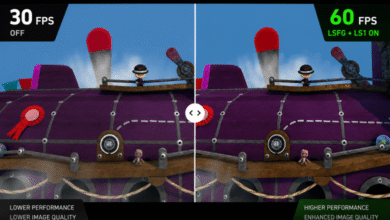
How to use Lossless Scaling
Manufacturers are actively promoting their own frame generation and upscaling technologies, such as DLSS, FSR, and XeSS. At the same…
Read More » -
Programs
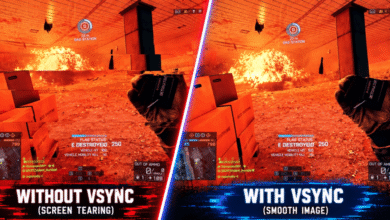
NVIDIA Vertical Sync. What should you set?
Modern gaming monitors can display up to 1,000 frames per second. Vertical synchronization determines how the frame rendering rate relates…
Read More » -
Programs
How to use FurMark 2
The classic FurMark is familiar to many users who have tested a graphics card at least once. The new version…
Read More » -
Programs
How to use NVIDIA FrameView
NVIDIA has introduced FrameView, a tool for analyzing GPU performance and power consumption. It supports a wide range of graphics…
Read More » -
Programs
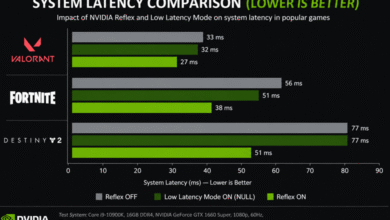
NVIDIA Low Latency Mode: what should you set?
Using Low Latency Mode requires graphics driver version 436.02 for DirectX 11 games and version 551.23 or later for DirectX…
Read More » -
Programs
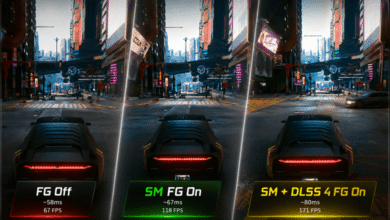
How to enable Smooth Motion in NVIDIA App
Smooth Motion uses AI to deliver a smoother gaming experience by generating an additional frame between two rendered frames. It…
Read More » -
Components
How to enable AMD Smart Access Memory (SAM)
AMD Smart Access Memory technology works with Ryzen 5000 and Radeon RX 6000 — and not exclusively. In fact, NVIDIA…
Read More » -
Components
How to check motherboard VRM temperature
You should understand what a motherboard VRM is and why it’s important to monitor its temperature. If MOSFETs overheat under…
Read More »
- 1
- 2