
Programs
The built-in apps and features of Windows 11 aren’t always enough for users. Often, they have to turn to third-party developers for help. In this section, we’ll go over the key details of how to use different applications correctly.
-
Sep- 2026 -3 September
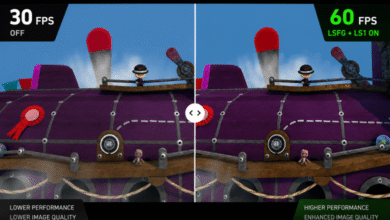
How to use Lossless Scaling
Manufacturers are actively promoting their own frame generation and upscaling technologies, such as DLSS, FSR, and XeSS. At the same…
Read More » -
Aug- 2026 -18 August
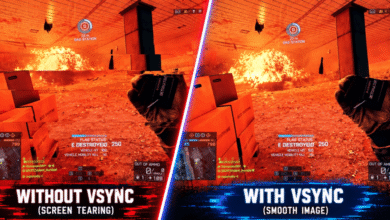
NVIDIA Vertical Sync. What should you set?
Modern gaming monitors can display up to 1,000 frames per second. Vertical synchronization determines how the frame rendering rate relates…
Read More » -
Jul- 2026 -22 July
How to use FurMark 2
The classic FurMark is familiar to many users who have tested a graphics card at least once. The new version…
Read More » -
7 July
How to use NVIDIA FrameView
NVIDIA has introduced FrameView, a tool for analyzing GPU performance and power consumption. It supports a wide range of graphics…
Read More » -
Jun- 2026 -11 June
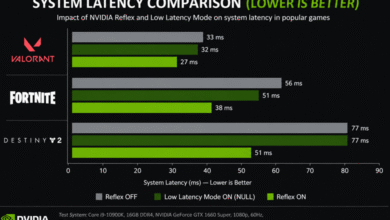
NVIDIA Low Latency Mode: what should you set?
Using Low Latency Mode requires graphics driver version 436.02 for DirectX 11 games and version 551.23 or later for DirectX…
Read More » -
3 June
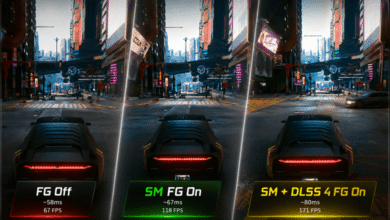
How to enable Smooth Motion in NVIDIA App
Smooth Motion uses AI to deliver a smoother gaming experience by generating an additional frame between two rendered frames. It…
Read More » -
Apr- 2026 -25 April
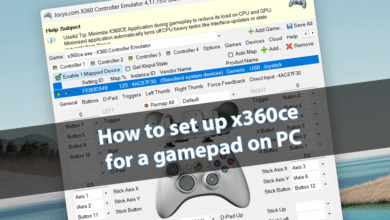
How to set up x360ce for a gamepad on PC
Emulating any gamepad as an Xbox 360 controller has been possible for about 10 years now. I found an old…
Read More »