
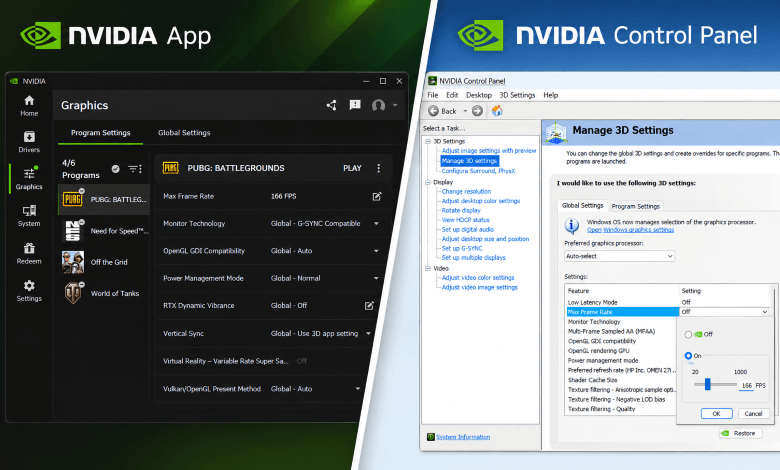
A global FPS limiter was introduced in the NVIDIA GeForce 441.87 WHQL driver. The update was officially released on January…
Read More »NVIDIA
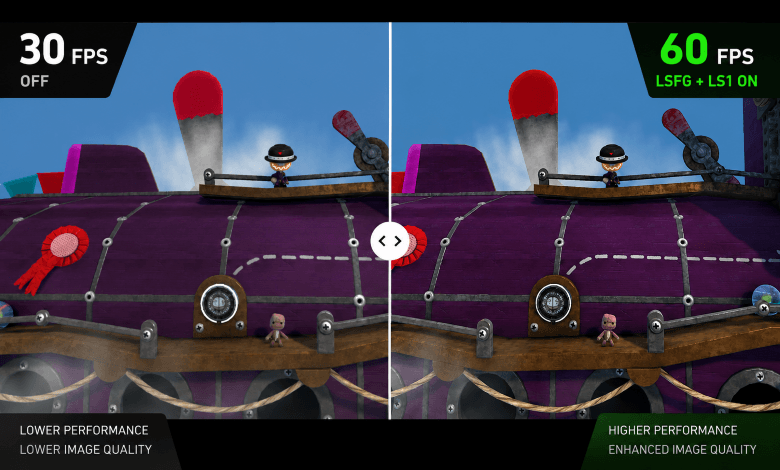
Manufacturers are actively promoting their own frame generation and upscaling technologies, such as DLSS, FSR, and XeSS. At the same…
Read More »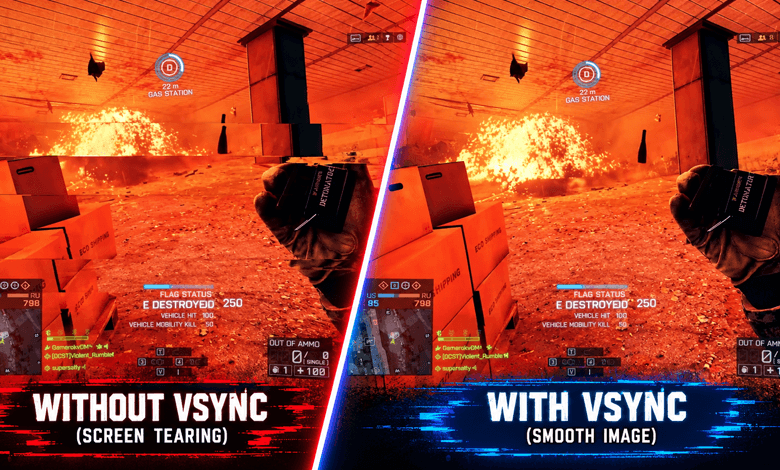
Modern gaming monitors can display up to 1,000 frames per second. Vertical synchronization determines how the frame rendering rate relates…
Read More »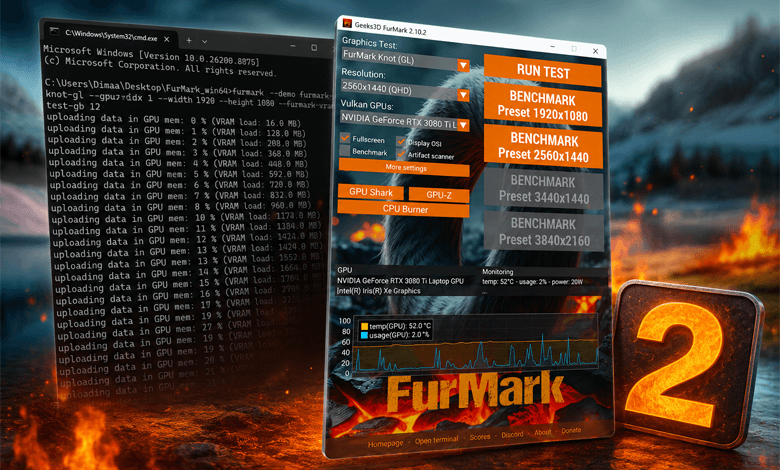
The classic FurMark is familiar to many users who have tested a graphics card at least once. The new version…
Read More »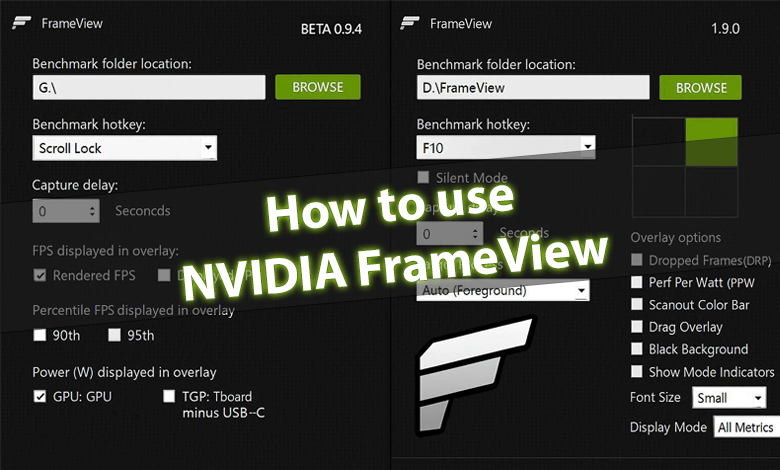
NVIDIA has introduced FrameView, a tool for analyzing GPU performance and power consumption. It supports a wide range of graphics…
Read More »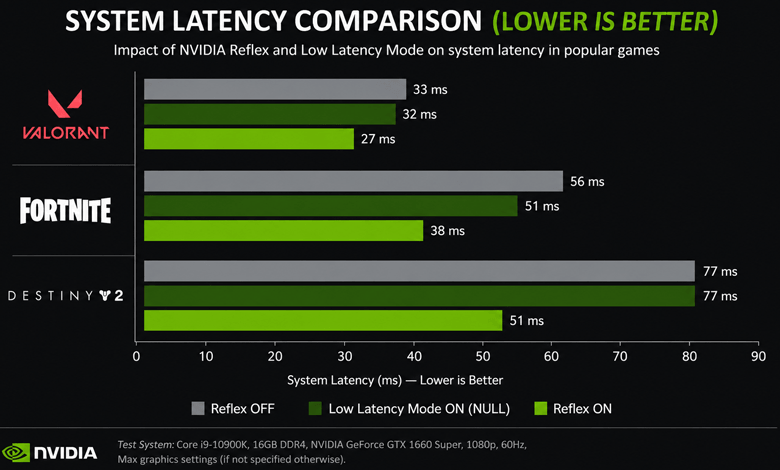
Using Low Latency Mode requires graphics driver version 436.02 for DirectX 11 games and version 551.23 or later for DirectX…
Read More »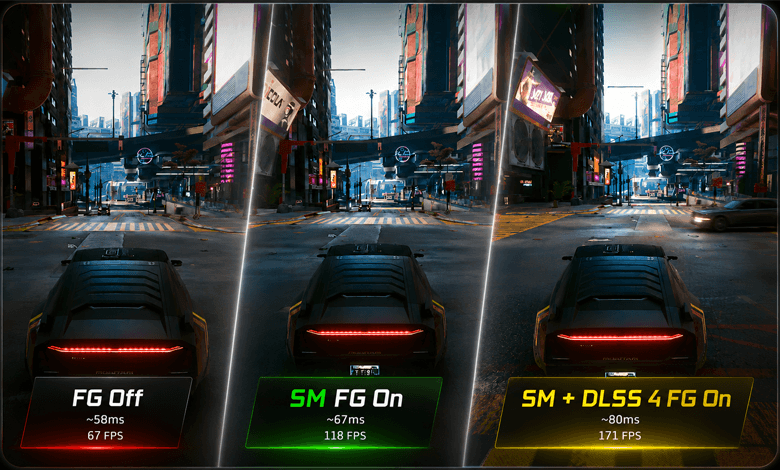
Smooth Motion uses AI to deliver a smoother gaming experience by generating an additional frame between two rendered frames. It…
Read More »
AMD Smart Access Memory technology works with Ryzen 5000 and Radeon RX 6000 — and not exclusively. In fact, NVIDIA…
Read More »